
MANAGE, SCHEDULE, AND GROW YOUR SOCIAL MEDIA IN ONE PLACE
WHAT IS SOCIALBEE?
SocialBee is an all-in-one social media management platform designed to help entrepreneurs, content creators, small businesses, marketing teams, and agencies create, organize, schedule, publish, and analyze content from one centralized workspace.Instead of moving between multiple social networks every day, users can manage much of their content workflow through a single dashboard. The platform combines social media scheduling with AI-assisted content creation, content categories, platform-specific customization, analytics, engagement tools, and team collaboration features.SocialBee is operated by SocialBee Labs SRL and is part of WebPros. Its purpose is not to replace human creativity or a complete marketing strategy. Instead, it provides tools that can reduce repetitive work and help users maintain a more organized and consistent social media presence.
EXPLORE SOCIALBEE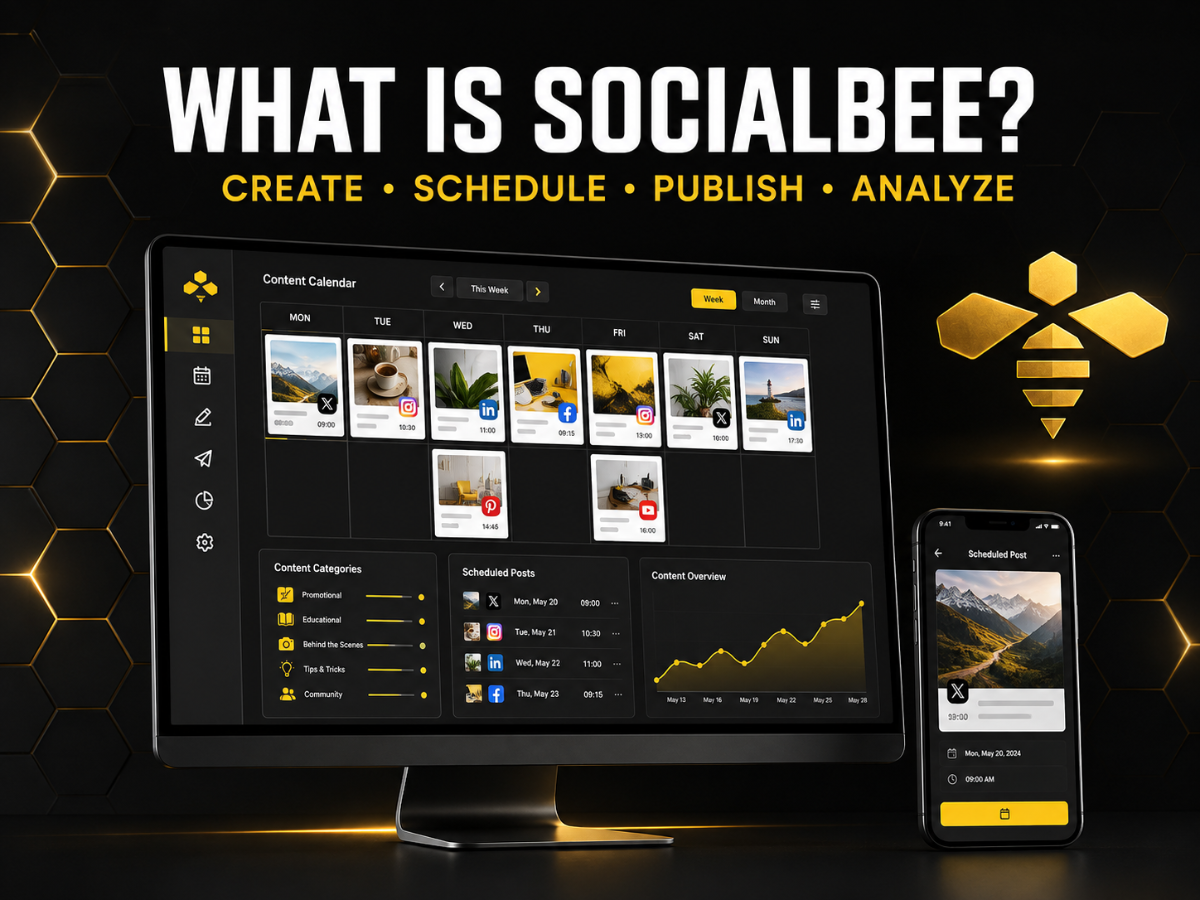

WHO IS SOCIALBEE BEST FOR?
SocialBee is designed for users who manage more than one social media profile and need a structured, repeatable content workflow. Solopreneurs and content creators can use the platform to organize ideas, prepare posts in advance, and maintain a more consistent publishing schedule.Small businesses can bring content creation, scheduling, and performance tracking into one workspace. Marketing teams can use approval and collaboration features, while social media managers and agencies can organize different brands or clients through separate workspaces, depending on the selected plan.SocialBee may be particularly suitable for creators, coaches, consultants, bloggers, local businesses, online businesses, marketing teams, and agencies. However, users who manage only one profile and publish infrequently may find a simpler tool sufficient.
SEE IF SOCIALBEE FITS YOUR WORKFLOWHOW DOES SOCIALBEE WORK?
SocialBee uses a structured workflow that begins with connecting social accounts and continues through content creation, scheduling, publishing, and performance analysis.Users first connect the profiles they want to manage and create a workspace for their brand, business, or client. They can then create posts manually, import content, connect content sources, or use AI assistance to generate ideas and captions.Posts can be organized into categories, customized for different social networks, and assigned to specific publishing schedules. Before publication, users can review the content and use approval features when working with a team or client.Many supported profiles allow direct publishing. Some account types or content formats may require a mobile reminder so the user can finish publishing through the native social media application.
START YOUR SOCIALBEE WORKFLOW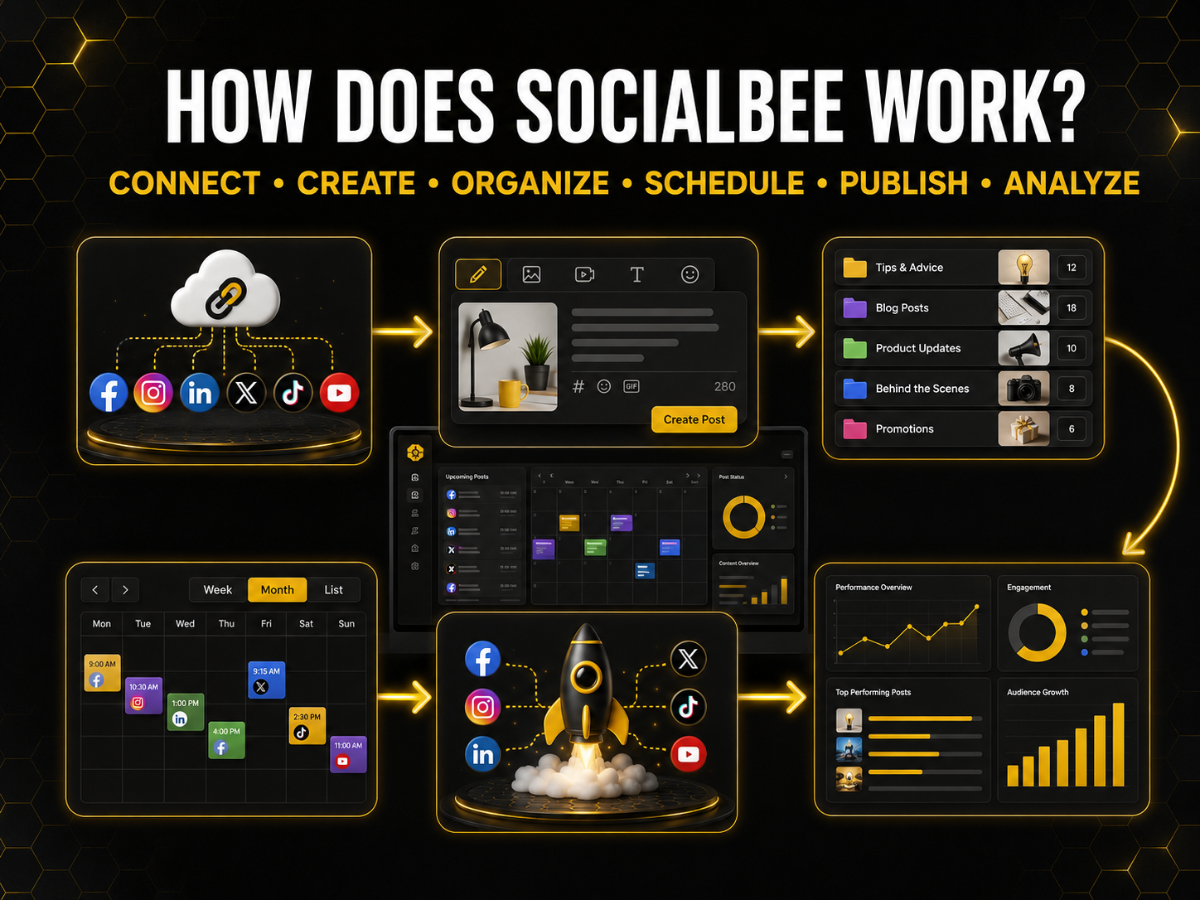
SOCIALBEE COPILOT: AI-POWERED SOCIAL MEDIA STRATEGY
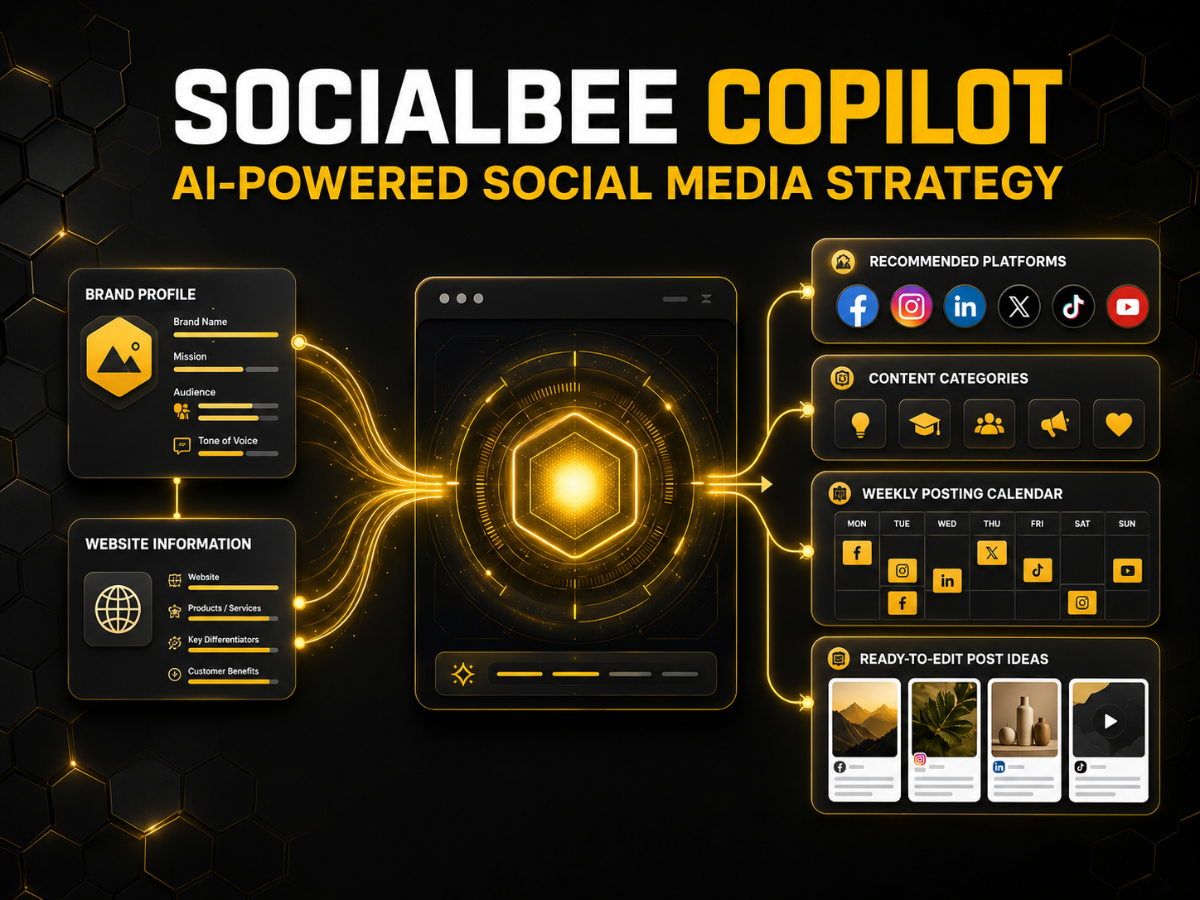
SocialBee Copilot is an AI-powered assistant designed to help users create a personalized starting strategy for social media. After learning about a business through its website or a guided conversation, Copilot can recommend suitable platforms, suggest content categories, prepare a posting plan, and generate ready-to-edit post ideas.This can be helpful for beginners who understand their business but are unsure what to publish or how to distribute content across different networks. It may also give experienced users a faster starting point when creating a new workspace, launching a brand, or preparing a new content strategy.Copilot should be treated as an assistant rather than a substitute for human judgment. Its suggestions still need to be reviewed for accuracy, tone, positioning, and relevance to the intended audience.
TRY SOCIALBEE COPILOTAI CONTENT AND CAPTION GENERATION
SocialBee includes AI tools designed to help users move from an initial idea to an editable social media post. The platform can generate captions, suggest content topics, create variations, adjust the tone of voice, recommend hashtags, and adapt copy for different networks.Users can also access a large prompt library covering different social media goals and content formats. This can make it easier to create educational posts, promotional messages, questions, announcements, tips, and other types of content without starting every caption from a blank page.AI assistance may save time, but every result should be reviewed before publication. Generated content can contain inaccurate information, repetitive wording, or language that does not match the real voice of the brand.
CREATE CONTENT WITH SOCIALBEE AI
CONTENT CATEGORIES AND EVERGREEN POSTING
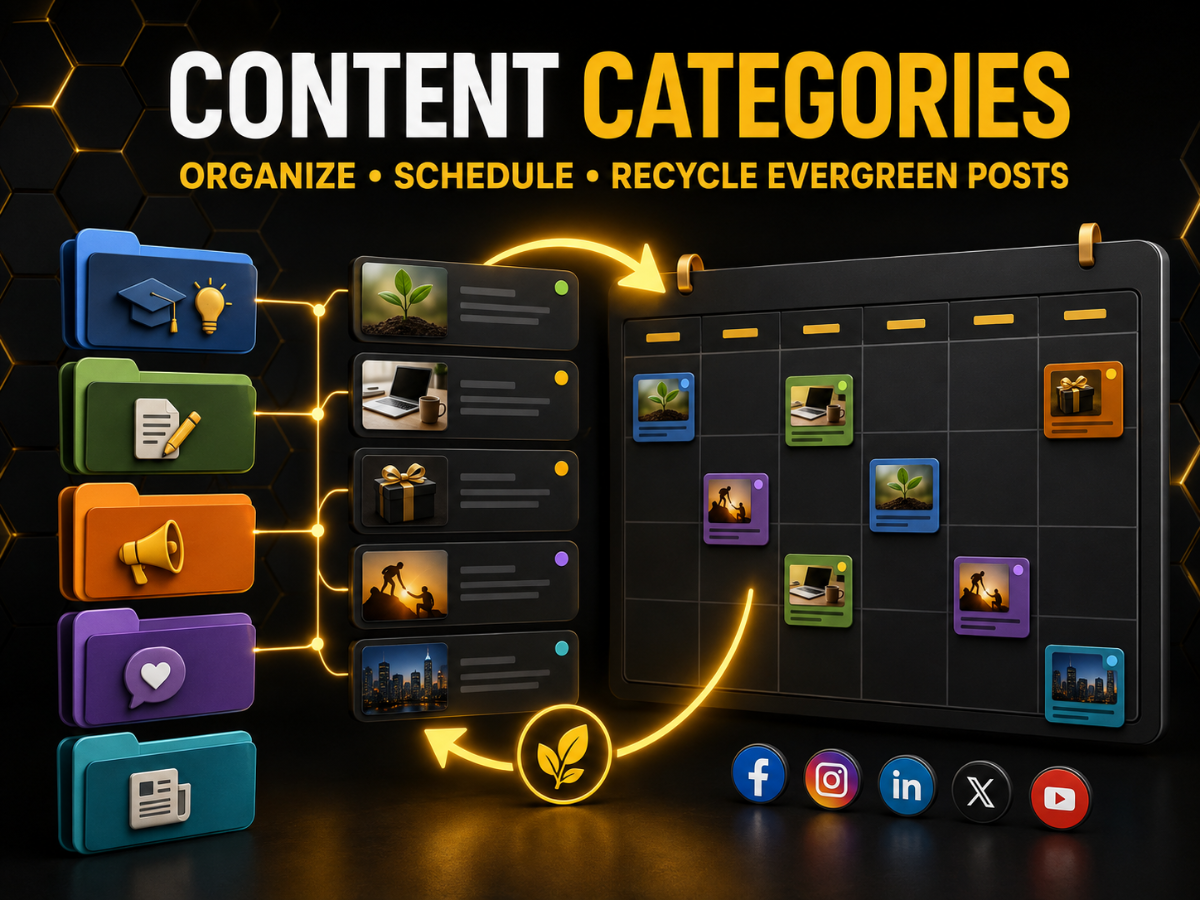
Content Categories are one of SocialBee’s most useful organizational features. Instead of placing every post into one long publishing queue, users can separate their content into categories such as educational tips, blog posts, customer stories, product information, industry news, questions, and promotions.Each category can be assigned to specific publishing slots. This helps users build a more balanced calendar and reduces the risk of publishing too much promotional content in a row. Categories can also be paused or adjusted without rebuilding the entire schedule.SocialBee can recycle evergreen content that remains relevant over time. However, posts containing temporary prices, dates, discontinued offers, outdated statistics, or time-sensitive announcements should always be reviewed before being published again.
ORGANIZE YOUR CONTENT WITH SOCIALBEESOCIAL MEDIA SCHEDULING AND PUBLISHING
SocialBee allows users to prepare content in advance and manage upcoming posts through a visual calendar. Posts can be assigned to selected profiles, scheduled for specific days and times, and organized according to the content categories created by the user.The platform supports individual scheduling, content queues, bulk workflows, content imports, and platform-specific customization. Features such as CSV uploads and bulk post editing are available according to the selected subscription plan.Direct publishing is available for many supported profiles. Some account types and content formats require a mobile reminder, allowing the user to complete the publication through the native social media application.
SCHEDULE POSTS WITH SOCIALBEE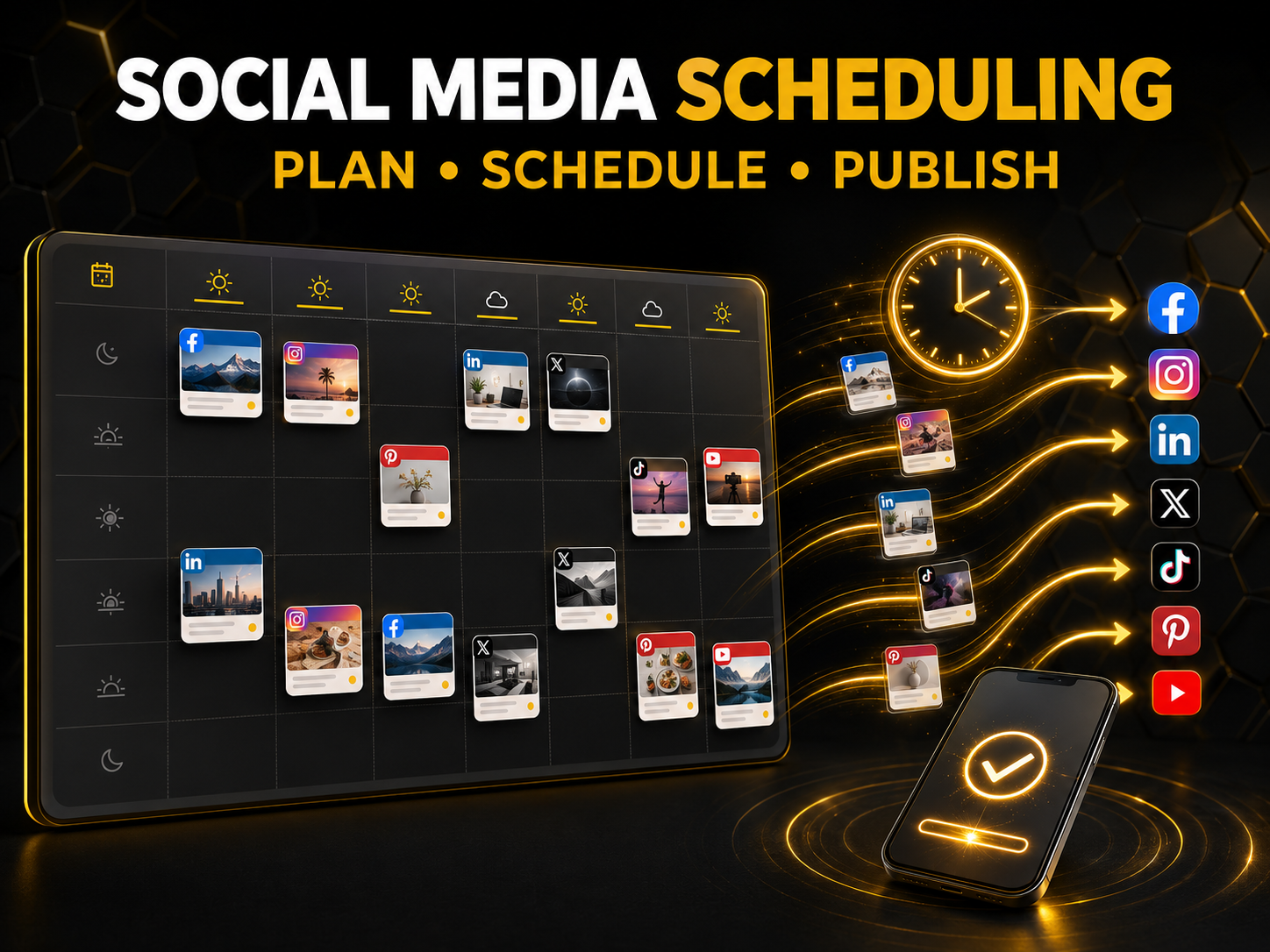

SUPPORTED SOCIAL MEDIA PLATFORMS
SocialBee supports a broad selection of major social networks, making it suitable for businesses and creators that publish content across several channels.The supported networks include Facebook, Instagram, LinkedIn, X, Pinterest, Google Business Profile, TikTok, YouTube, Bluesky, and Threads. SocialBee also provides Universal Posting for additional networks that are not fully integrated into the platform.Available features vary according to the social network and account type. Direct publishing, tagging, analytics, engagement, and supported media formats may not be identical across every platform. Users should confirm that their specific profiles and preferred content formats are supported before subscribing.
MANAGE YOUR SOCIAL NETWORKS IN ONE PLACECUSTOMIZE POSTS FOR EACH SOCIAL NETWORK
Publishing exactly the same content on every social network may save time, but it does not always provide the best audience experience. Each platform has different formatting conventions, character limits, hashtag practices, content styles, and media requirements.SocialBee allows users to create different versions of a post for selected networks while keeping all versions organized under the same original publication. Captions, media, hashtags, links, and calls to action can be adjusted according to the destination platform.The platform also offers AI-assisted caption customization. Users should still review every version to ensure that the language, links, mentions, and media work correctly on each network.
CUSTOMIZE YOUR POSTS WITH SOCIALBEE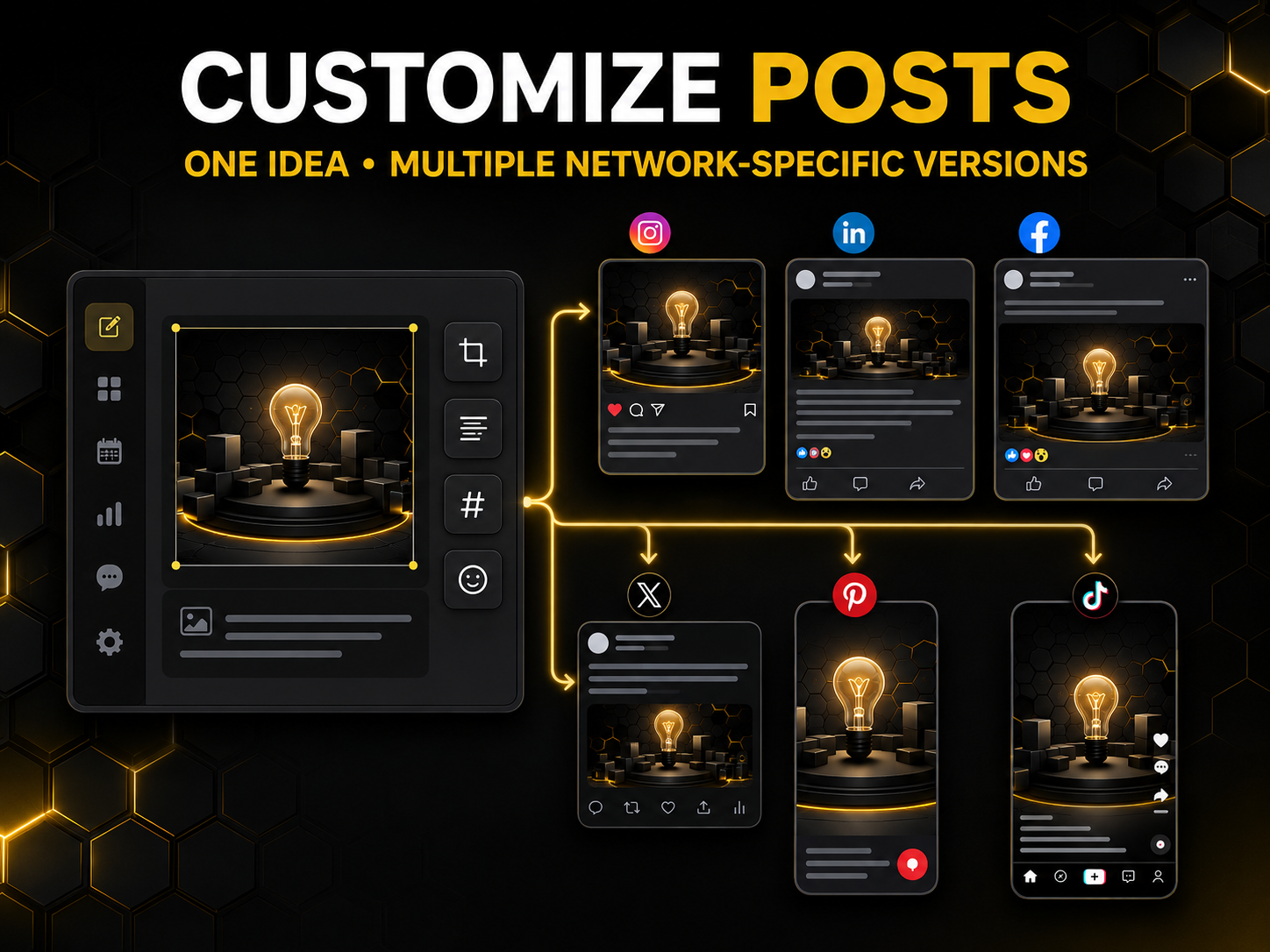

VISUAL CONTENT AND CREATIVE INTEGRATIONS
SocialBee includes tools and integrations designed to simplify the preparation of visual content. Users can access images from Unsplash, add GIFs from GIPHY, and bring designs created in Canva into their social media workflow.The platform also provides basic editing options for cropping, flipping, and resizing visuals. This can be useful when one image needs to be adapted for several social networks with different aspect ratios.These integrations can reduce the need to move between multiple applications during everyday content creation. However, they do not replace professional design tools when a campaign requires complex branding, advanced editing, or highly customized visual assets.
CREATE VISUAL POSTS WITH SOCIALBEESOCIAL MEDIA ENGAGEMENT TOOLS
SIMPLIFY SOCIAL MEDIA ENGAGEMENT

SOCIAL MEDIA ANALYTICS AND REPORTING
TRACK YOUR SOCIAL MEDIA PERFORMANCE
CURRENT SOCIALBEE OFFER: GET 20% OFF FOR THREE MONTHS
CLAIM 20% OFF SOCIALBEETEAM COLLABORATION AND CONTENT APPROVAL
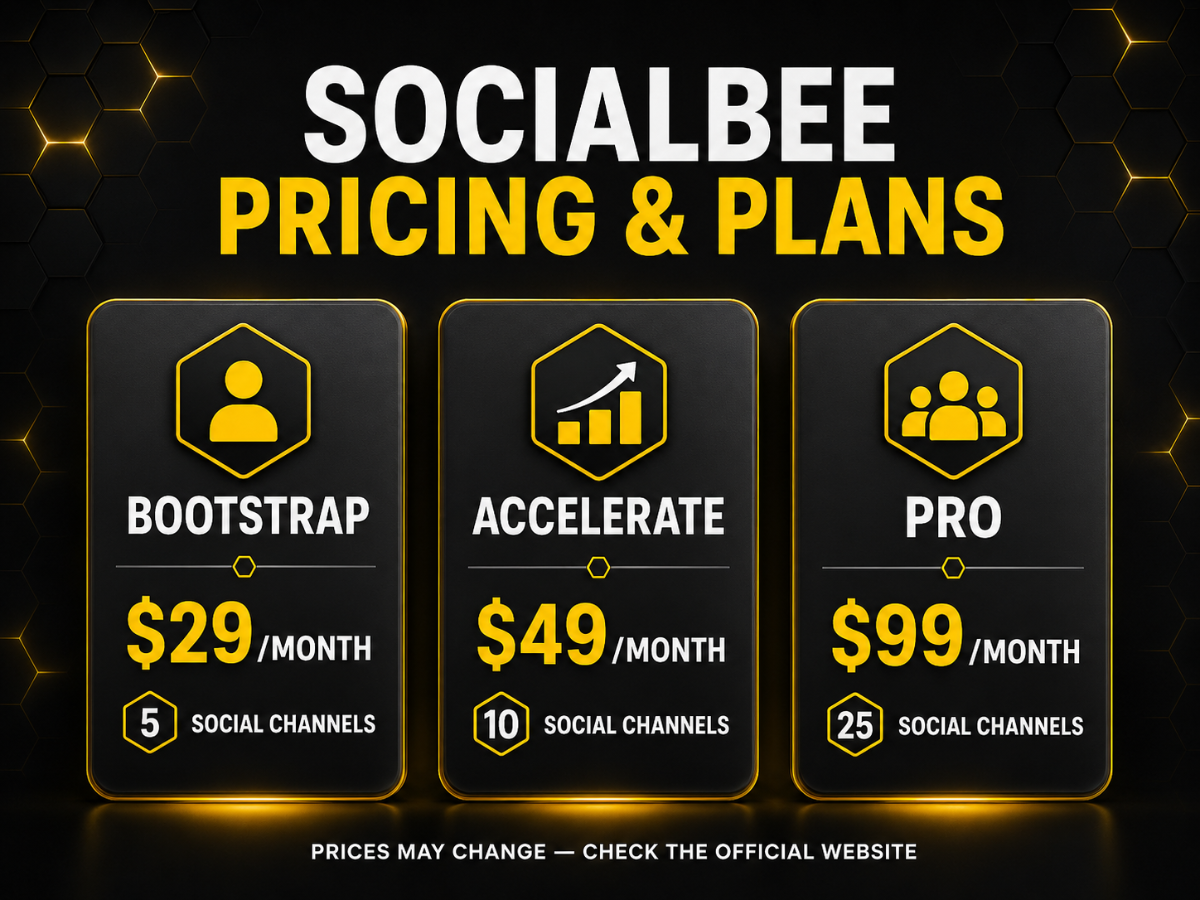
SocialBee includes collaboration features for businesses and agencies that need more than a personal scheduling tool. Workspaces can help separate different brands, projects, or clients, while approval features allow content to be reviewed before it is published.Depending on the selected plan, teams can access additional users, multiple workspaces, internal notes, content approvals, and report exports. These features can make responsibilities clearer and reduce the risk of publishing incorrect or unapproved content.The Pro plan is designed for social media managers and agencies, offering additional users and workspaces. Larger agency plans increase the number of social profiles that can be managed.
COLLABORATE WITH YOUR TEAM
SOCIALBEE PRICING AND PLANS
SOCIALBEE AGENCY PLANS
SocialBee provides additional subscription plans for agencies and social media managers that need to connect more profiles than the standard Pro plan allows.The Pro50 plan is listed at $179 per month or $1,790 per year. Pro100 is listed at $329 per month or $3,290 per year, while Pro150 is listed at $449 per month or $4,490 per year.These plans are intended for businesses managing a larger number of social media profiles. Agencies should compare the number of clients, profiles, users, and workspaces they require before selecting a plan.Because agency pricing and plan limits may change, prospective customers should verify the latest information directly on the official SocialBee website.
EXPLORE SOCIALBEE FOR AGENCIES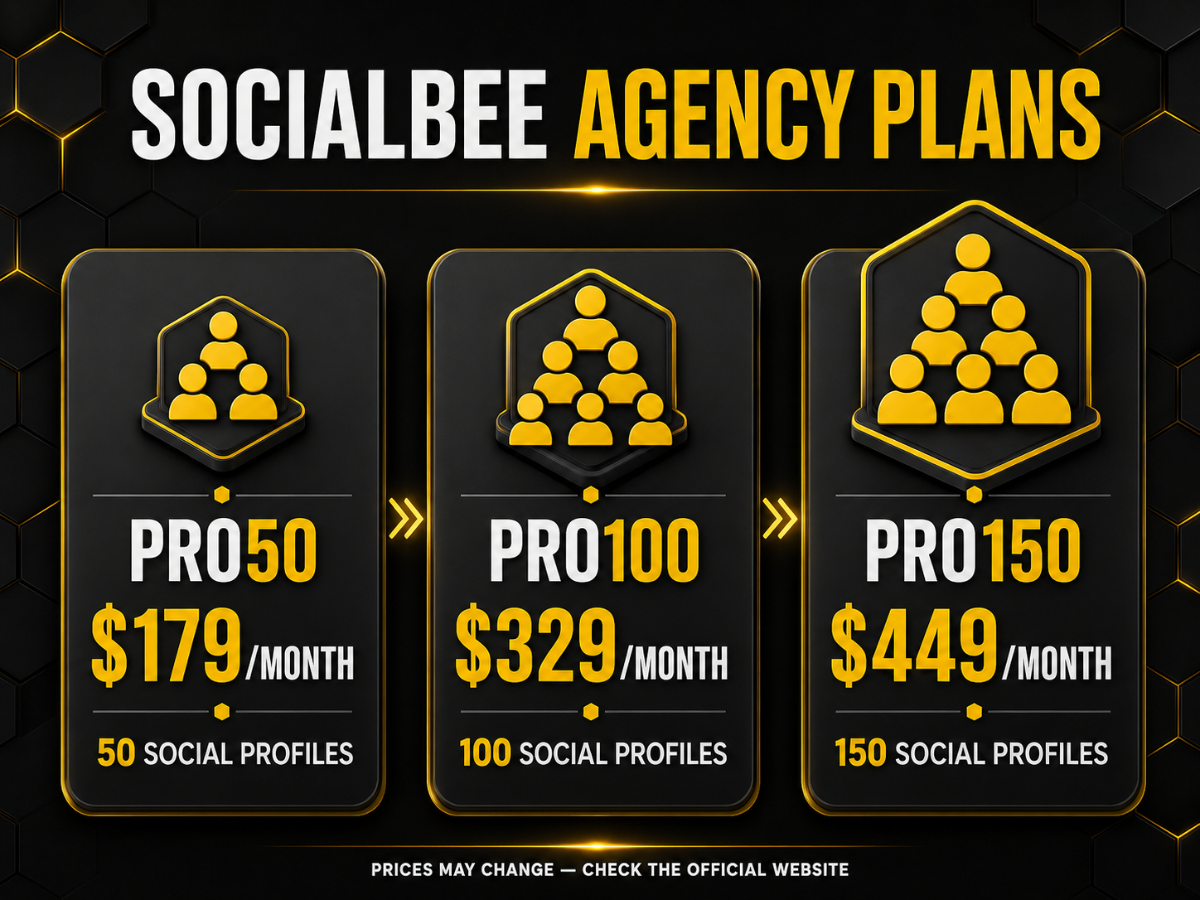

FREE TRIAL AND MONEY-BACK GUARANTEE
START YOUR 14-DAY FREE TRIALSOCIALBEE PROS AND CONS
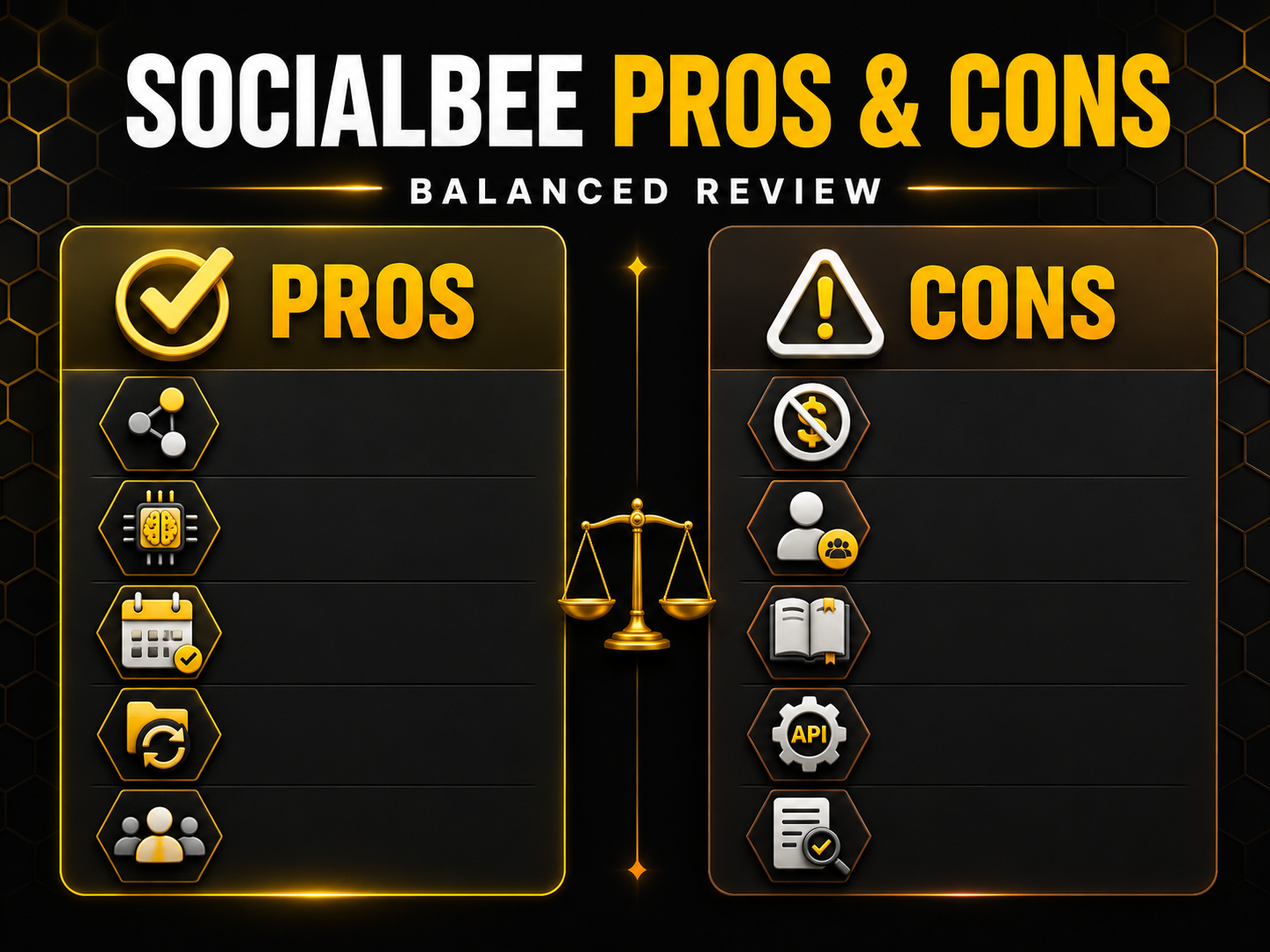
SocialBee provides a broad collection of social media management tools, but it may not be the ideal solution for every user.Pros Supports multiple major social networks. Combines content creation, scheduling, publishing, and analytics. Includes AI-assisted strategy and content-generation tools. Organizes posts through content categories. Supports evergreen-content recycling. Allows platform-specific post customization. Includes collaboration and approval features on compatible plans. Provides plans for individuals, businesses, and agencies. Offers a 14-day free trial without requiring a credit card.Cons There is no permanent free plan. Connected-profile limits depend on the selected subscription. Advanced collaboration and reporting require higher plans. New users may need time to learn the complete workflow. Some capabilities vary according to social network APIs. AI-generated content still requires human review. Agency plans may be expensive for smaller operations.
SOCIALBEE ALTERNATIVES
TRY SOCIALBEE FOR 14 DAYSWHO SHOULD CHOOSE SOCIALBEE?
SEE WHAT SOCIALBEE CAN DO

WHO MAY NOT NEED SOCIALBEE?
SocialBee may provide more features than necessary for users with very simple social media requirements. Paying for a complete management platform may not make sense if most of its capabilities will remain unused.It may not be the best choice for someone who manages only one profile, publishes infrequently, needs a permanent free plan, or prefers to publish everything manually through the native social media applications.It may also be unsuitable for users who expect artificial intelligence to create a complete marketing strategy without human direction. SocialBee can support planning and execution, but it cannot replace business knowledge, audience understanding, creativity, and strategic decision-making.
TEST SOCIALBEE BEFORE SUBSCRIBINGIS SOCIALBEE WORTH IT IN 2026?
TRY SOCIALBEE FREE FOR 14 DAYS
FREQUENTLY ASKED QUESTIONS


FINAL VERDICT
SocialBee is a comprehensive social media management platform for users who want to create a more structured and repeatable publishing workflow. Its combination of AI-assisted strategy, content generation, scheduling, content categories, evergreen recycling, analytics, and collaboration can reduce the complexity of managing several social profiles.It is particularly well suited to solopreneurs, content creators, small businesses, social media managers, and agencies that publish consistently and will use several of its core features.Its limitations should still be considered. There is no permanent free plan, advanced capabilities require higher subscriptions, and some functions vary according to the permissions provided by each social network.Overall, SocialBee offers a well-rounded set of tools for multi-platform social media management. The 14-day free trial provides a practical opportunity to test the platform with a real workflow before making a financial commitment.
START YOUR 14-DAY SOCIALBEE TRIAL